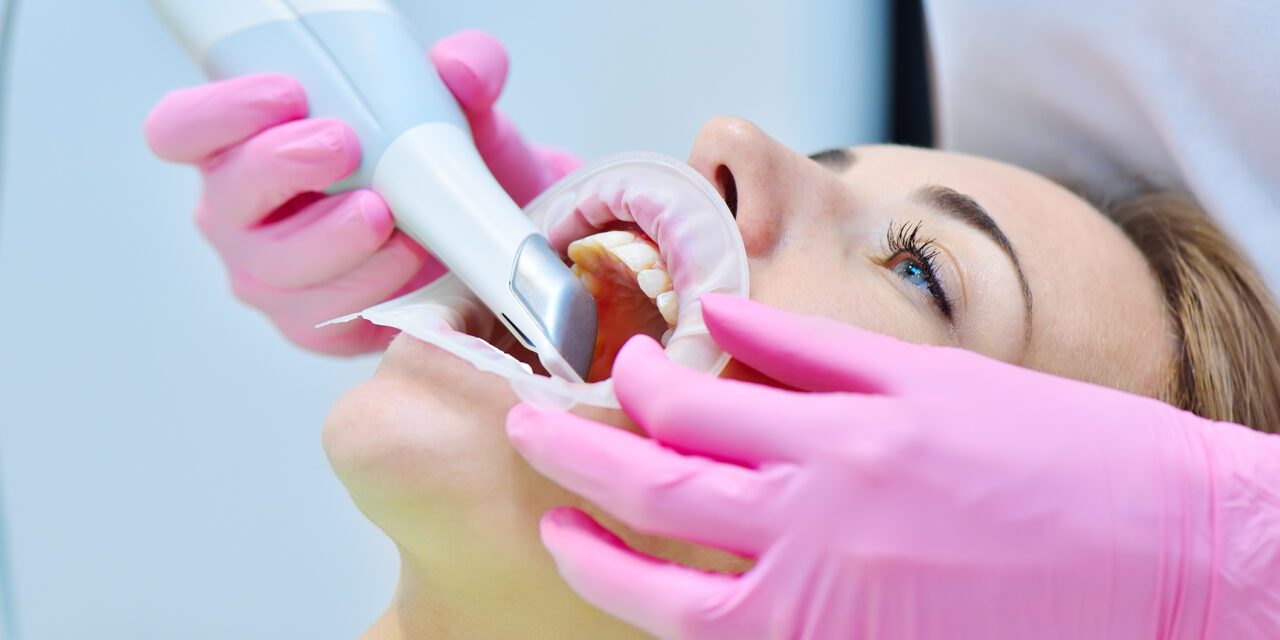
Digital dentistry has transformed collaboration between clinics and labs, but one principle remains constant: the final restoration is only as accurate as the initial scan.
A high‑resolution intraoral scan is the foundation of predictable, high‑quality restorative outcomes.
Below are streamlined, professional protocols to help eliminate common scanning errors and ensure consistent, master‑level results.
1. Preparation Is Everything
Before scanning, optimize the environment. Digital sensors are precise, but they cannot compensate for blocked margins or excess moisture.
Retraction
- Clear visibility of the margin is essential.
- Use retraction cords or paste systems to expose the finish line.
- If the scanner can’t see the margin, the CAD software can’t define it.
Moisture Control
- Saliva and blood create reflections that distort the mesh.
- Use dry angles, cotton rolls, and air to maintain a dry field.
Lighting
- High‑intensity operatory lights can interfere with scanner sensors.
- If you experience “lost tracking,” dim the overhead lights slightly.
2. Follow the Path
Manufacturers recommend a specific scanning sequence (typically Occlusal → Lingual → Buccal).
Deviating from this path is a major cause of stitching errors.
Smooth Transitions
- Move the wand in a continuous, fluid motion.
- Avoid jumping between teeth.
The 45‑Degree Tilt
- Tilt the wand ~45° when transitioning from occlusal to lingual or buccal surfaces.
- This improves capture of transition zones and interproximal contacts.
3. Solving Common Scanning Hurdles
Issue: “Holes” in the Digital Model
Common in deep interproximals or the distal of the last molar.
Solution:
- Angle the scanner tip distally to visualize behind the terminal tooth.
- Slow down and gently wiggle the wand to allow light penetration in tight contacts.
Issue: Distorted Bite Registration
A mismatched bite leads to significant occlusal adjustments.
Solution:
- Scan the bite in centric relation or habitual occlusion.
- Capture at least 3–4 teeth per side (premolars + molars) for stable alignment.
Issue: “Ghost” Data (Soft‑Tissue Interference)
Tongue or cheek movement can create unwanted data flaps.
Solution:
- Use a finger or plastic retractor to control the buccal mucosa.
- Ask the patient to relax and position the tongue away from lingual surfaces.
4. The Final Quality Check
Before sending the case, take 60 seconds to review the 3D model.
Verify the Margins
- Zoom in on the preparation.
- Ensure the margin is crisp, continuous, and fully captured.
Check Contacts
- Look for gaps, voids, or fuzzy areas on adjacent teeth.
Review Occlusal Clearance
- Use the scanner’s heat‑map tool.
- Confirm adequate reduction for the chosen material (e.g., 1.5 mm for zirconia).
A Partnership in Precision
A flawless scan leads to restorations that seat smoothly with minimal or zero adjustments.
Refining your digital workflow saves chair time, reduces remakes, and enhances patient comfort.
If you’d like help reviewing a scan or verifying your scanner’s connection to our lab, our team is always available for technical support and optimization.
Disclaimer: The information provided in this article is for educational purposes only and is not intended to replace independent clinical judgment. Clinicians should evaluate each case individually and follow manufacturer instructions, current evidence-based guidelines, and their own professional expertise. Chase Dental Lab assumes no responsibility for patient outcomes resulting from the application of the information presented here.