SHINING 3D Integration
Add Chase Dental Lab to your Shining 3D scanner today.
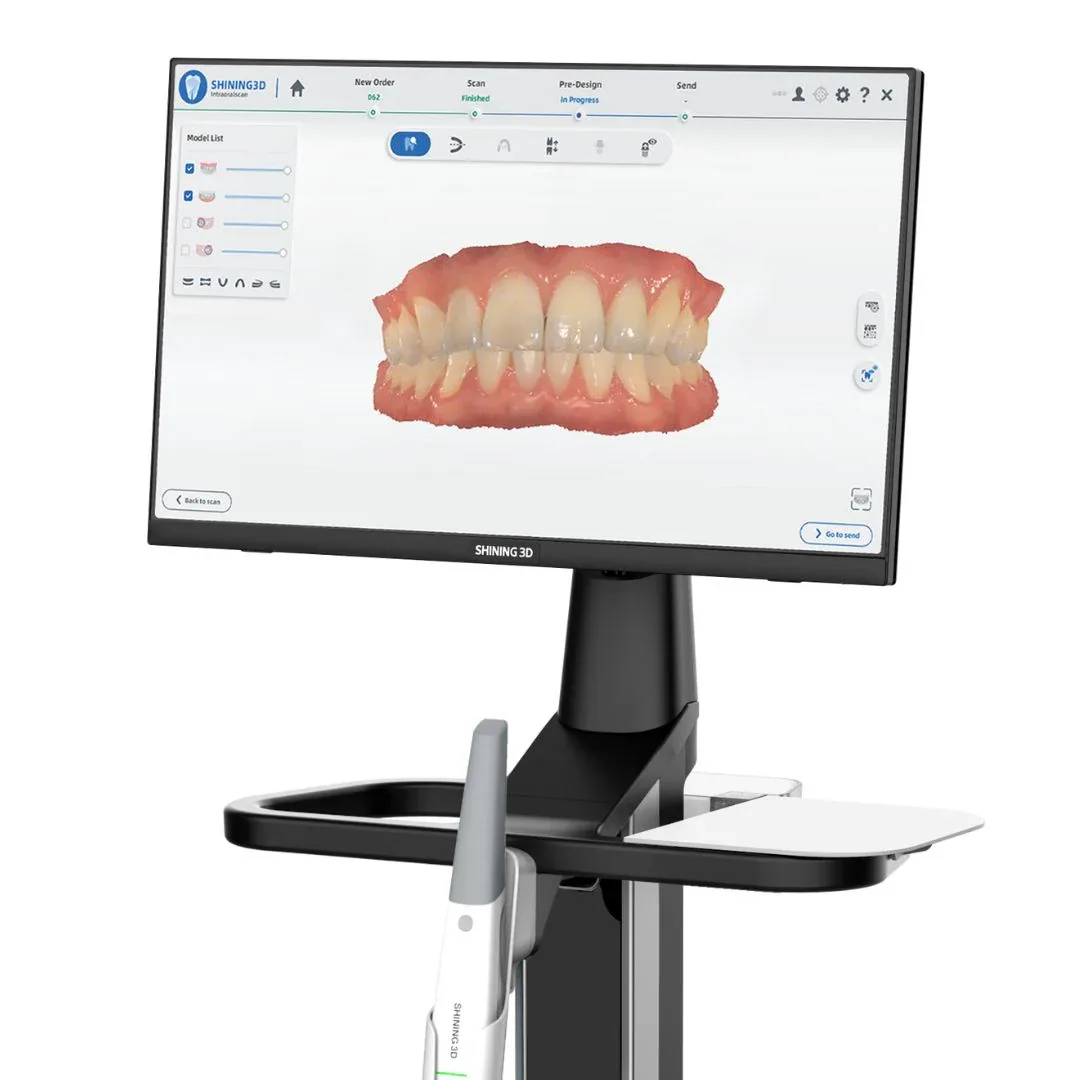
How to connect with us through Shining 3D:
If you need assistance with file submission or have any questions, we’re ready to help.
- Navigate to the User icon in the top right corner of the screen
- Select the Connections tab
- Click the + New icon
- Search for and select Chase Dental Lab
- Click the check mark to submit your connection request
- Once approved, Chase Dental Lab will appear in your list of Targets
If you need assistance with file submission or have any questions, we’re ready to help.
*Shining 3D is a registered trademark of Shining 3D Tech Co., Ltd.